
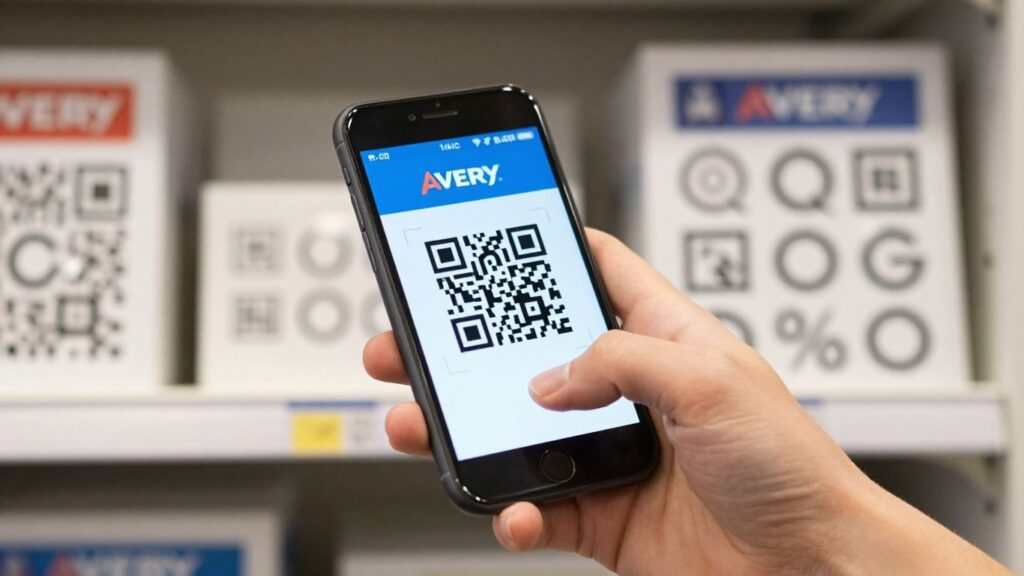
So, you’ve heard about QR codes, right? They’re those little square things that your phone camera can read. Pretty neat. Well, Avery, a brand you probably know for labels and stuff, has made it super easy to get these QR codes onto labels for all sorts of uses. We’re talking about making your physical items talk to your digital world. It’s not as complicated as it sounds, and honestly, it can save you a fair bit of hassle. This article is going to walk you through how you can use Avery QR code labels to get organised, track things, and maybe even give your marketing a little boost. Let’s get stuck in.
Key Takeaways
- Avery QR code labels connect physical items to digital information, simplifying tracking and management.
- These labels are useful for everything from keeping tabs on equipment to checking safety compliance and engaging customers.
- Designing your QR code labels involves thinking about their size, how clear they are, and what material they’re made from.
- Making sure your QR code labels scan reliably is key – pay attention to contrast and test them out.
- Using Avery QR code labels can really cut down on manual work and make your daily operations run smoother.
Understanding QR Code Labels Avery
QR code labels, often seen as simple stickers, are actually quite sophisticated tools for managing information and streamlining operations. They’ve become increasingly common, partly thanks to their widespread use in public health initiatives, making them familiar to most people. The beauty of a QR code sticker lies in its ability to store a good amount of data in a small space, which can then be accessed instantly with a smartphone camera. This makes them incredibly versatile for a whole host of applications, from tracking assets to providing digital instructions.
The Versatility of QR Code Labels
QR code stickers are far from a one-trick pony. Think about how many different things you could label in a business or even at home. For instance, a UK-based facilities management company might use durable, high-tack QR code stickers on plant equipment. Scanning one of these stickers could instantly bring up maintenance logs, safety certificates, or even a video tutorial on how to operate a specific piece of machinery. This removes the need for bulky manuals or searching through filing cabinets. Similarly, a logistics firm could use sequential QR code labels on bins or equipment to track inventory in real-time, ensuring everything is accounted for from goods-in to dispatch. The ability to print these QR code stickers on various materials, including weatherproof vinyl, means they can be used just about anywhere, indoors or out.
Seamless Integration with Your Workflow
One of the biggest advantages of using QR code labels is how easily they can fit into existing processes. Many systems now support QR code scanning, meaning you don’t necessarily need to overhaul your entire operation. For example, Transport for London uses QR code stickers for asset tracking across its vast public infrastructure. These labels can be scanned directly into their systems, reducing manual data entry and improving accuracy. If you’re looking to update price labels, electronic shelf edge labelling offers significant cost savings and boosts labour efficiency, eliminating in-store administrative tasks related to price updates, providing real-time price management. This solution streamlines operations for counter service environments. Even for smaller businesses, integrating QR code stickers is straightforward. You can use them to link to product pages, re-order forms, or even customer feedback surveys, all accessible with a quick scan. The key is choosing the right type of QR code sticker for your needs, whether it’s a static code pointing to a fixed URL or a dynamic one that can be updated later.
Choosing the Right Avery QR Code Labels
When you’re looking to implement QR code labels, Avery offers a range of options designed to meet different needs. It’s not just about the QR code itself, but also the label material, adhesive, and size. For instance, if you’re labelling equipment that might get wet or be exposed to harsh cleaning chemicals, you’ll want to opt for durable, waterproof synthetic materials with a strong adhesive, perhaps even a high-tack option for textured surfaces. For smaller items like tools or IT gear, micro labels around 20-25mm square are often sufficient, provided the data density isn’t too high. You can even get custom-printed QR code stickers that include your branding, like a logo, without compromising scan reliability. The right Avery QR code label will be durable, easy to scan, and suited to its specific environment and purpose. Considering factors like material, adhesive strength, and size upfront will save you hassle down the line and ensure your QR code stickers perform as expected.
Practical Applications for QR Code Labels
QR code stickers are surprisingly useful for all sorts of things, not just marketing. They can really help sort out a lot of day-to-day tasks for businesses.
Asset Tracking and Inventory Management
Keeping tabs on equipment and stock can be a real headache. Imagine trying to find a specific tool in a busy workshop or knowing exactly how many of a certain item you have in a warehouse. QR code stickers make this much simpler. You can stick a label on each piece of equipment or each shelf, and then just scan it with a phone or scanner. This instantly tells you what it is, where it is, and maybe even when it was last serviced. For example, Transport for London uses QR codes for tracking public infrastructure, making sure everything is accounted for. It’s a big step up from manual lists and spreadsheets.
- Quick identification: Scan a QR code sticker to see an item’s details immediately.
- Location tracking: Assign QR codes to specific areas like shelves or rooms to know where stock is stored.
- Maintenance logs: Link equipment QR codes to service records, so you know when maintenance is due or has been completed.
- Inventory counts: Speed up stocktakes by scanning QR codes instead of typing in item numbers.
Using durable, high-tack labels means they’ll stay put, even in tough environments like warehouses or on outdoor equipment. This stops you from having to re-label things constantly.
Compliance and Safety Checks
Many industries have strict rules about safety and compliance. Think about fire doors, machinery safety checks, or even just making sure equipment is up to standard. QR code stickers can be a lifesaver here. For instance, fire door inspections are now a legal requirement in many places, and using sequentially numbered QR code stickers on each door makes it easy for inspectors to log their checks. This creates an audit trail that proves compliance. The Amex Stadium uses QR codes for equipment testing related to health and safety, showing how this can be applied even in large, complex venues. It means less paperwork and more confidence that everything is safe.
- Fire door checks: Link each fire door to its inspection history via a QR code sticker.
- Machinery safety: Attach QR codes to equipment to access safety manuals or log inspection dates.
- Regulatory compliance: Use QR codes to link to relevant certifications or compliance documents.
Marketing and Customer Engagement
While we’re focusing on organisation, it’s worth mentioning how QR code stickers can also boost customer interaction. You can put a QR code sticker on a product that links directly to an instructional video, a customer review page, or even a special offer. This gives customers more information right when they need it. For example, a company could put a QR code on their packaging that leads to product information or a feedback form. It’s a simple way to add value and encourage customers to engage further with your brand. You can even use them on business cards to link to your website or social media profiles.
Designing Effective QR Code Labels
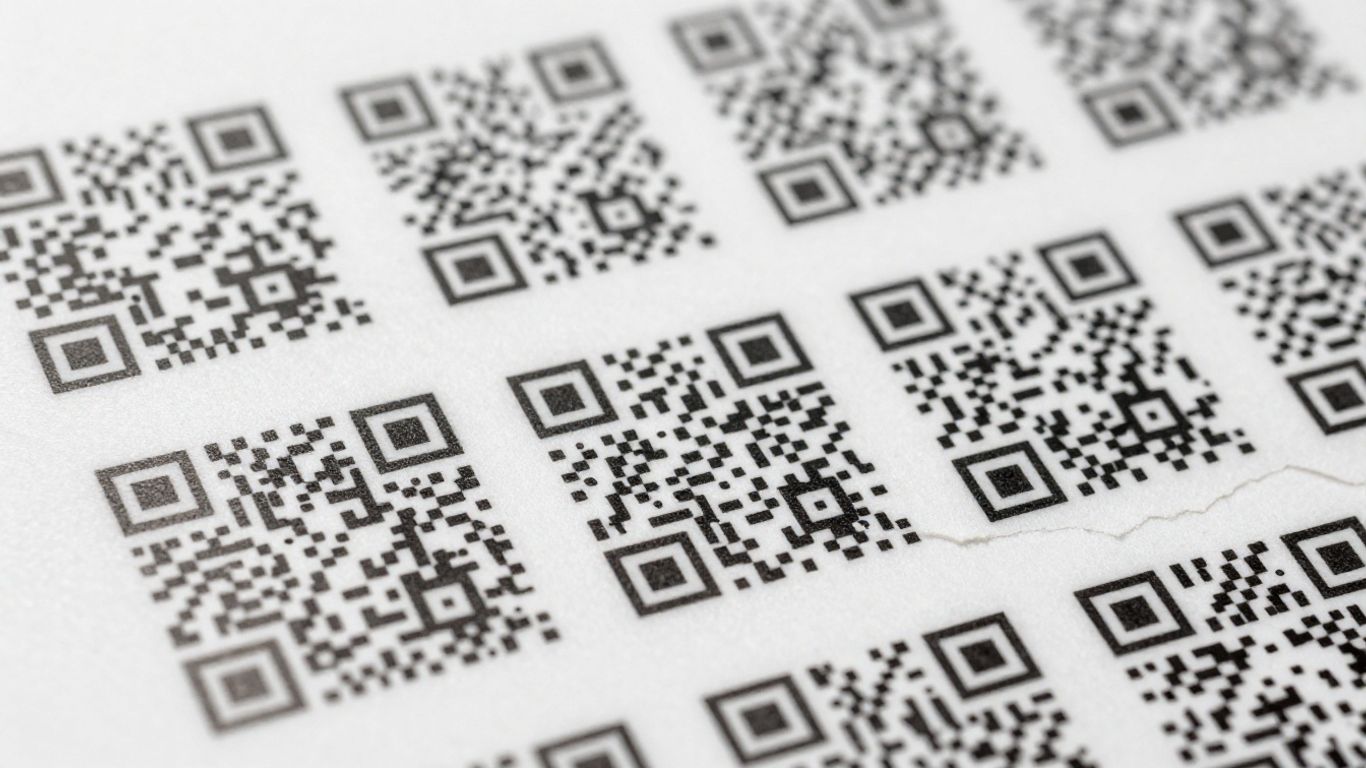
When you’re thinking about using QR code stickers, the design part is pretty important. It’s not just about sticking a black and white square on something; you want it to look good and, more importantly, work properly. Getting the design right means people can actually scan it easily and get the information they need.
Optimising Size and Data Density
The size of your QR code sticker really matters. If it’s too small, especially if it’s trying to hold a lot of information, it can become difficult to scan. Think about where the QR code sticker will be placed. For small items like tools or individual components, you’ll need a smaller code. For something like a large piece of machinery or a bin, you can afford to go a bit bigger. The trick is to balance the amount of data with the physical size of the code. For instance, if you’re just linking to a website, a simple URL is fine. But if you’re trying to embed a lot of text or a complex data set, the code will need to be larger to remain readable. It’s a bit like trying to fit too much into a small box – it just gets messy and hard to sort through. We’ve seen companies like Transport for London use QR codes for asset tracking on public infrastructure, and they have to get this balance just right for thousands of items.
Branding and Readability
Making your QR code sticker look like it belongs to your brand is a great idea. You can add your logo right in the middle or use your brand colours. However, you have to be careful not to mess up the readability. The contrast between the dark and light parts of the QR code is key. Using colours that are too similar, or putting a busy logo over a complex code, can make it impossible to scan. It’s best to stick to dark colours on a light background, or vice versa. Some companies, like those managing stadiums, use QR codes for health and safety checks, and they make sure the codes are clear and easy to scan, even if they have a logo in the centre. Remember, the main job of the QR code sticker is to be scanned, so branding should support, not hinder, that function. You can explore different design options for optimal scanning and engagement.
Material and Adhesive Considerations
What your QR code sticker is made of and how it sticks is just as vital as the design itself. If you’re putting a QR code sticker on something that’s going to be handled a lot, or exposed to the weather, you’ll need something tough. Industrial vinyl with a high-tack adhesive is a good choice for things like machinery or outdoor bins. For items that might be moved around or need to be replaced, a removable adhesive might be better. Think about a company that needs to track bins for government collections; they’d need durable, weatherproof QR code stickers that can withstand being scanned from a cab. Even the finish matters – a matte finish can reduce glare on shiny surfaces, making scanning easier. Choosing the right material and adhesive means your QR code sticker will last and keep working, no matter the environment. For reliable scans, it’s important to optimise sizing and contrast.
Ensuring Scan Reliability
Getting your QR code stickers to scan reliably is pretty important, right? After all, what’s the point if they don’t work when someone needs them to? It’s not just about the code itself, but also how it’s printed and where it’s placed. Think about it – a smudged QR code on a dusty piece of machinery isn’t going to scan well, no matter how well-designed it is. We’ve seen companies like Transport for London use QR code stickers for asset tracking on public infrastructure, and they need those codes to be readable day in and day out. The same goes for fire door inspections; a failed scan could mean a compliance issue. That’s why paying attention to a few key details makes all the difference.
The Importance of Quiet Zones and Contrast
When a scanner reads a QR code, it’s looking for specific patterns. The ‘quiet zone’ is essentially a clear border around the QR code. This blank space tells the scanner where the code begins and ends, helping it to focus. If you cram other information right up to the edge of the QR code, or if the label is placed on a busy background, the scanner can get confused. Similarly, contrast is vital. A QR code printed in a light grey on a white background is much harder to read than a black code on a white background. For many UK businesses, especially those in manufacturing or logistics, using high-contrast, durable materials is a given. For example, industrial-grade vinyl with a matte finish can reduce glare, which is a common problem in brightly lit warehouses or workshops. This helps ensure that even smaller QR codes, like those used on IT peripherals or tools, can be read without issue. A well-defined quiet zone and strong contrast are non-negotiable for reliable scanning.
Testing Your QR Code Labels
Before you commit to printing thousands of QR code stickers, it’s a really good idea to test them. This doesn’t just mean scanning it once with your own phone. You should try scanning it with different devices – iPhones, Android phones, older models, newer models. Test it at different distances and angles. If you’re using a service that provides digital proofs, use them! You can print out a proof sheet and test those before the main print run. This is a step many organisations, from small businesses to larger ones like the Amex Stadium for equipment testing, take to avoid problems down the line. It’s a simple step that can save a lot of hassle. You want to be sure that when a driver scans a bin for a recycling company, or an engineer scans a piece of equipment, the scan works first time, every time.
Dynamic vs. Static QR Codes
When we talk about scan reliability, it’s also worth considering the type of QR code you’re using. Static QR codes have their information embedded directly into the pattern. Once printed, they can’t be changed. Dynamic QR codes, on the other hand, link to a URL that can be updated. This means you can change where the QR code points to without reprinting the label itself. For example, a company might use dynamic QR code stickers on gym equipment, linking to instructional videos. If they update the video or want to add a new one, they can change the link on their dynamic QR platform without needing new stickers. While dynamic QR codes offer flexibility, both types need to be printed correctly to scan reliably. The underlying technology doesn’t affect the physical scanability as much as the print quality and placement. However, for long-term use where information might change, dynamic QR codes can prevent the need for reprinting, which indirectly supports reliability by avoiding outdated, unreadable codes.
Streamlining Operations with QR Code Labels
QR code labels are a straightforward way to make your day-to-day operations run a lot smoother. Think about it: instead of fumbling through paperwork or trying to remember serial numbers, a quick scan can pull up all the information you need. This isn’t just about convenience; it’s about cutting down on mistakes and saving valuable time.
Reducing Manual Data Entry
Manual data entry is a common source of errors. When staff have to type in information, there’s always a chance of a typo or a missed digit. QR code stickers eliminate this. For instance, a recycling company in the UK uses sequential QR codes on their bins. Drivers scan the code from their cab, instantly logging collection data without needing to write anything down. This accuracy means better record-keeping and less time spent correcting mistakes later.
Improving Efficiency in Warehousing
Warehousing and inventory management can be complex. QR code labels, especially those with high-tack adhesive, are perfect for marking racking, shelves, and individual items. Companies use these to track stock levels, locate products quickly, and speed up picking and packing processes. Imagine a warehouse where every location and item has a scannable QR code sticker; staff can instantly see what’s where, reducing search times and improving order fulfilment rates. This kind of system can integrate with existing WMS/ERP software, making the whole process more connected.
Enhancing Maintenance and Inspection Processes
Keeping track of equipment maintenance and safety checks can be a chore. By placing QR code stickers on machinery or safety equipment, you can link directly to maintenance logs, user manuals, or inspection checklists. For example, the Amex Stadium uses QR codes for equipment testing related to health and safety. Inspectors can scan a code on a piece of equipment to access its full service history or log a new inspection, ensuring compliance and providing a clear audit trail. This makes routine checks much faster and more reliable, especially when using durable, weatherproof labels that can withstand demanding environments. You can even use dynamic QR codes to update linked information without reprinting labels, which is handy for changing compliance documents or procedures. Learn more about Avery design tools.
Advanced Features of QR Code Labels
Beyond basic linking, QR code stickers offer sophisticated capabilities that can really transform how you manage assets and engage with information. These aren’t just simple links; they’re dynamic tools for modern operations.
Sequential Numbering for Unique Identification
For situations where you have many similar items, sequential QR codes are a game-changer. Think about a large facility with hundreds of identical fire doors or recycling bins. Each bin or door can have a unique QR code sticker, allowing for precise tracking and management without needing to differentiate them visually. This is particularly useful for compliance checks, like those required for fire doors across the UK, where each door needs to be logged for inspections. Transport for London, for example, uses QR codes for asset tracking on public infrastructure, ensuring each component can be identified and managed individually.
- Product Tracking: Assign a unique code to each item in a production run.
- Location Identification: Label specific bins, racks, or equipment in a warehouse.
- Maintenance Logs: Track individual pieces of equipment for service history.
Sequential numbering provides a clear, scannable identifier for each item, making it simple to log, track, and manage large inventories or assets with confidence.
Variable Data for Personalised Content
Variable data QR codes take personalisation to the next level. Instead of just a sequence, each QR code can contain unique information. This is brilliant for things like promotional campaigns, where each code might link to a different offer or a personalised landing page. A company might use this for incentive schemes, ensuring that each unique code allocated to a customer can’t be guessed or duplicated, maintaining the integrity of the reward system. It also means you can link directly to specific product information, user manuals, or even customer feedback forms tailored to that particular item.
- Targeted Marketing: Link to unique landing pages or special offers.
- Secure Vouchers: Generate one-time use codes for discounts or rewards.
- Personalised Support: Direct users to specific product manuals or troubleshooting guides.
Integration with Mobile Scanning Apps
While many smartphone cameras now have built-in QR scanners, the real power comes when these QR code stickers integrate with dedicated mobile scanning apps. Apps like those used for inventory management or maintenance logging can read QR codes directly, pulling up specific asset details, maintenance history, or compliance records instantly. This drastically reduces manual data entry and the potential for errors. For instance, a plumbing supply company might use variable data printing on their labels to streamline operations, reducing run time and costs by linking equipment directly to digital instructions or service logs via a mobile app. This integration is key for efficient operations in warehousing and maintenance.
- Inventory Management: Scan items to update stock levels in real-time.
- Maintenance Tracking: Access equipment history and log service tasks instantly.
- Compliance Checks: Link to digital inspection forms or safety records.
These advanced features transform simple QR code stickers into powerful tools for data management, customer engagement, and operational efficiency. Using durable, high-tack labels ensures these codes remain scannable even in demanding environments, making them a reliable choice for businesses across the UK, from asset tracking at places like the Amex Stadium to compliance checks for Transport for London. Avery Berkel scales are designed to support the printing and scanning of all common barcode formats, including QR codes, ensuring compatibility with various retail and service needs.
Putting It All Together
So, there you have it. Using QR code labels, like those from Avery, really does make organising things a lot simpler. It’s not just about sticking a code on something; it’s about connecting physical items to digital information in a way that’s easy to manage. Whether you’re tracking inventory in a busy warehouse, providing instructions for equipment, or even running a small marketing campaign, these labels offer a practical solution. They’re durable, easy to use, and with the right setup, they can save you a surprising amount of time and hassle. Give them a try, and you might just find your organisation running a bit more smoothly.
Frequently Asked Questions
What exactly are Avery QR code labels?
Avery QR code labels are special stickers that have a QR code printed on them. Think of a QR code like a barcode, but it can hold more information. When you scan it with your phone, it can take you to a website, show you instructions, or give you details about an item. Avery makes these labels so you can easily stick them onto things you want to track or share information about.
Can I use these QR code labels for anything I want?
Absolutely! These labels are super versatile. You can use them to keep track of your company’s equipment, manage your stock, make sure safety checks are done, or even for marketing to tell customers more about your products. Because they can link to digital information, they’re useful for all sorts of jobs.
How do I make sure people can actually scan the QR codes?
It’s important to get the design right. You need enough space around the QR code (called a ‘quiet zone’) and good contrast between the code and the background. Avery helps by making sure their labels are designed to be easily scanned. Also, choosing the right material means the code won’t get damaged and will stay readable.
What's the difference between static and dynamic QR codes?
A static QR code is like a one-way street; once it’s printed, the information it links to can’t be changed. A dynamic QR code is more flexible. You can change where it leads even after it’s been printed. This is really handy if you want to update a website link or campaign information later without having to print new labels.
Can I get QR codes that are numbered in order?
Yes, you can! Avery offers labels with sequential numbering. This means each label has a unique QR code that’s part of a sequence, like 001, 002, 003, and so on. This is brilliant for tracking individual items in a big batch or inventory, making sure each one is accounted for.
How do these labels help my business run smoother?
They can really speed things up! Instead of typing in information, staff can just scan a QR code. This means less mistakes and faster work, especially in busy places like warehouses. It helps keep track of everything, makes checks quicker, and generally makes your day-to-day operations much more efficient.